
- Simplem Intermediate or Advanced Layouts
- Uses Bootstrap and Bootstrap styles
- Easy Install App
- Joomla! 3.x
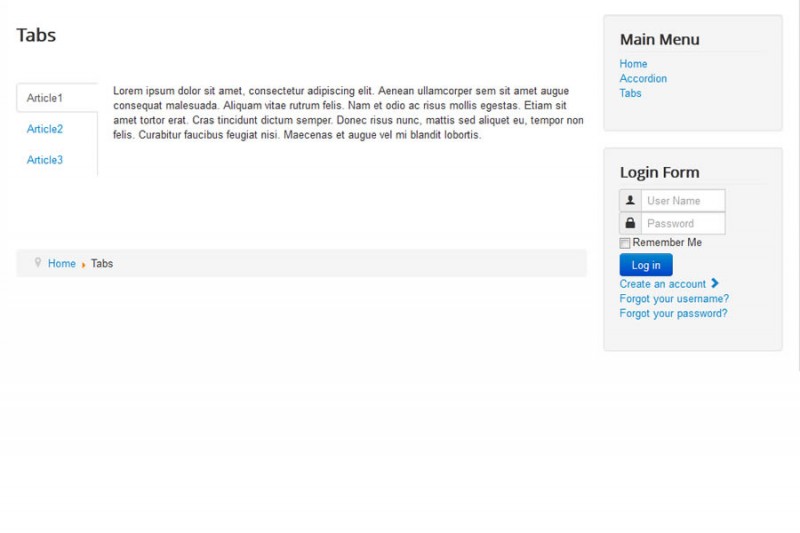
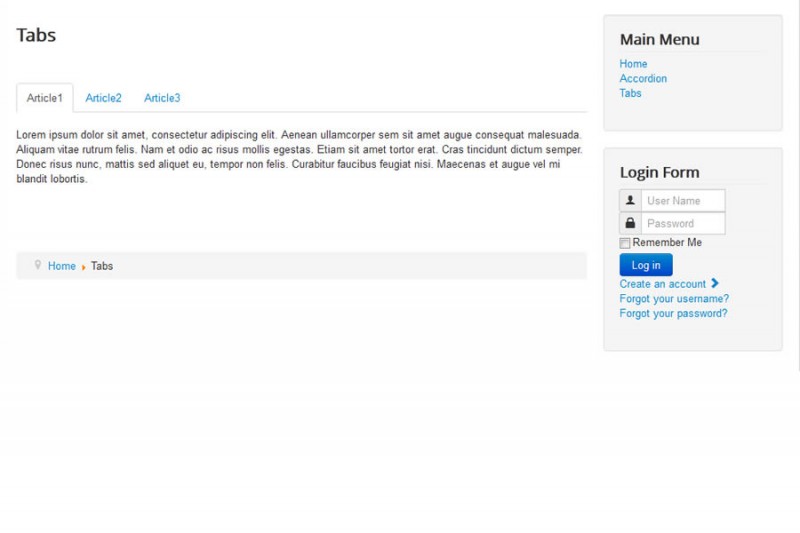
Tabs is a SEBLOD list template that can be simple or take full advantage of SEBLOD's custom fields and layout engine.
It uses Bootstrap's default style.
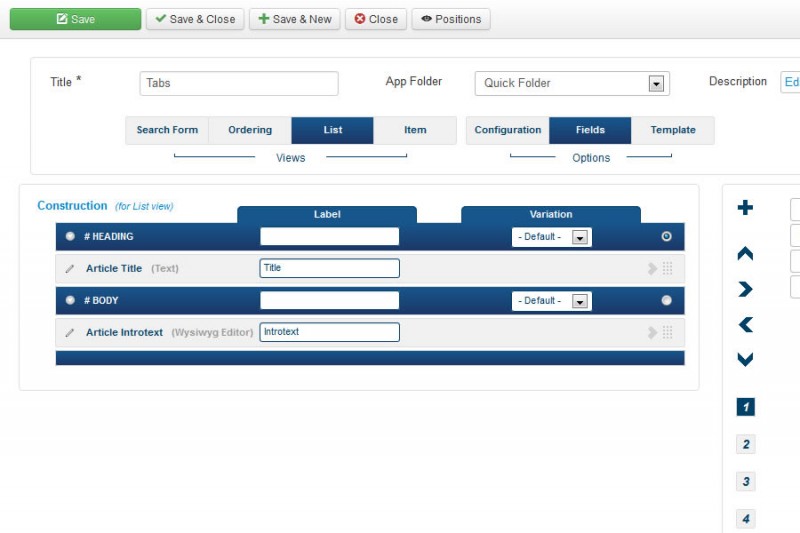
It has two display modes, standard and advanced. With standard, there are two positions to place fields: Heading for the tab names and Body for the content. Advanced allows field placement in the body area with the standard 42 positions.
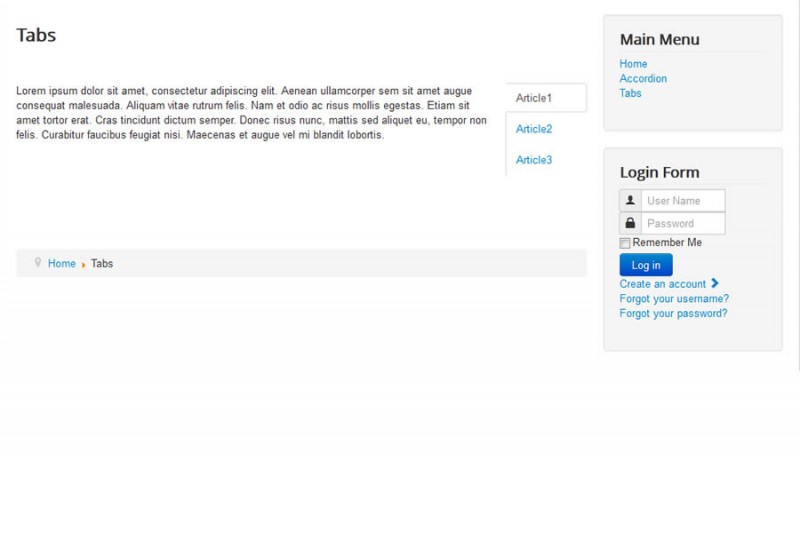
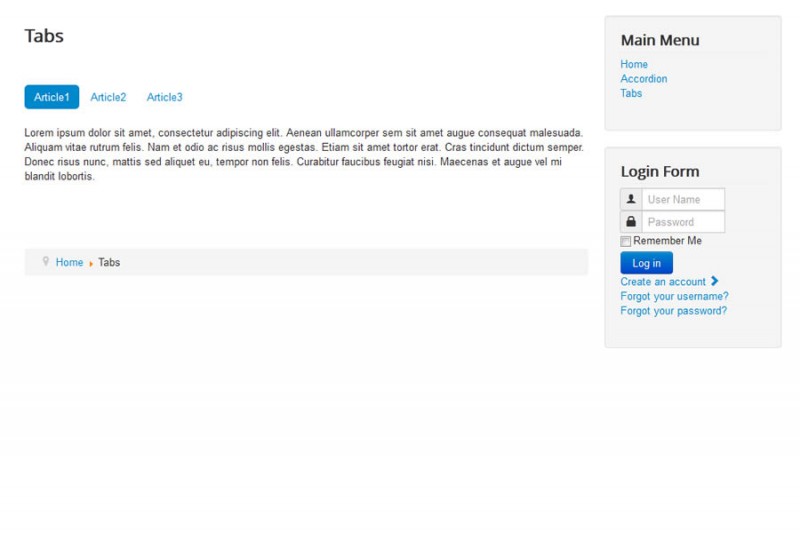
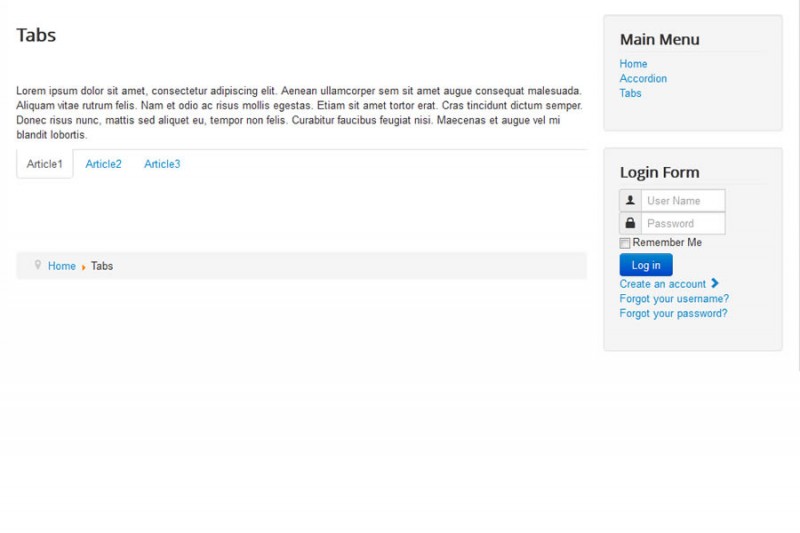
Other options include setting the tab layout (top, bottom, left or right) and tab style.
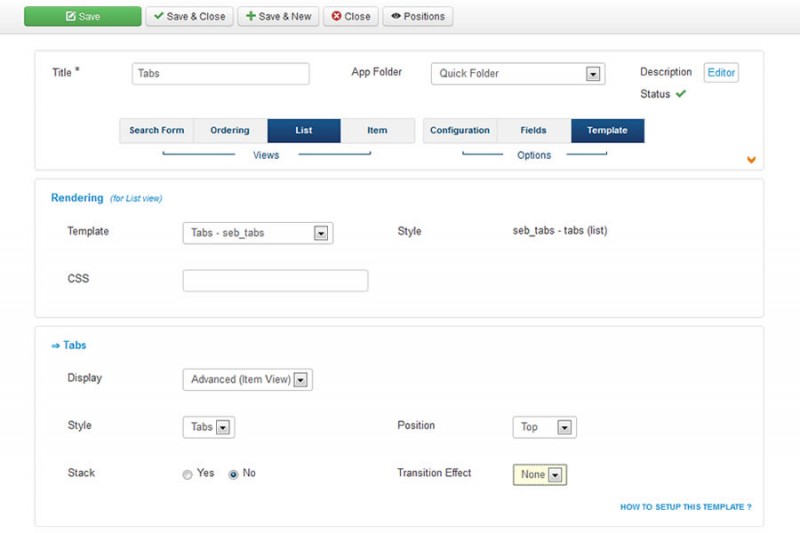
After installing Tabs in the Joomla extension manager, it is ready to use. Because it is an app, there is no need to set up a template in the SEBLOD template manager. Simply open the List & Search Type and choose the List view, then the template tab. Finally, select Tabs from the dropdown and save.
Business Clubs:
- Lifetime License
- Unlimited Domains
Single purchase:
- Free Updates
- Lifetime License
- Unlimited Domains
Details:
Requires:
Latest SEBLODScreenshots

Downloads
| Changelog | File | Version | Date |
|---|---|---|---|
+ Item Identifier parameter. | Sign In | 1.5.0 | 2018-12-03 |
# Fix regression | Sign In | 1.4.4 | 2018-06-28 |
^ Copyright updated. | Sign In | 1.4.3 | 2018-06-27 |
^ Copyright updated. | Sign In | 1.4.2 | 2017-05-13 |
^ Copyright updated. | Sign In | 1.4.1 | 2016-04-28 |
+ "Active" parameter added. | Sign In | 1.4.0 | 2015-08-25 |
# Minor change | Sign In | 1.3.1 | 2015-08-17 |
+ "Load More" capability. | Sign In | 1.3.0 | 2015-05-09 |
+ template_picker.png added | Sign In | 1.2.0 | 2014-10-17 |
# Markup (none) is now applied. | Sign In | 1.1.1 | 2014-05-13 |
+ Intermediate mode added. | Sign In | 1.1.0 | 2014-02-27 |
Initial Release. | Sign In | 1.0.0 | 2013-05-31 |