Build high-end websites with Joomla!
SEBLOD is an Application Builder and a Content Construction Kit.
It helps to create/manage custom online applications & full-featured websites.
SEBLOD 3.28.x
SEBLOD is an Application Builder and Content Construction Kit.
It brings Custom Content Types to Joomla!, and definitely makes
web development faster and easier thanks to its unique flexibility.
SEBLOD 3.x is ready for Joomla! 3.x
Core package: 1 component, 3 templates, 6 modules, 82 plug-ins.
Make sure to backup your site before any install/update.
SEBLOD 4.3.x
SEBLOD is an Application Builder and Content Construction Kit.
It brings Custom Content Types to Joomla!, and definitely makes
web development faster and easier thanks to its unique flexibility.
SEBLOD 4.x is ready for Joomla! 4.x & 5.x
Core package: 1 component, 3 templates, 6 modules, 82 plug-ins.
Make sure to backup your site before any install/update.
Introducing SEBLOD.
Highly flexible Joomla! component, for content construction and web development.
Advanced Forms & Content Types
Build complex forms for your web apps in order to fit the business needs. Learn More
Custom Fields & Flexible Plug-ins
Bring unlimited possibilities to your websites with a bunch of great plugins. Learn More
Multi-criteria Search & List Views
Build advanced search engines and lists in order to showcase all kind of data. Learn More
Out of the Box Applications
Install our ready-to-use apps in order to get started easily with SEBLOD. Learn More
Powerful Template Framework
Control the display and layouts of your SEBLOD-based content, forms & lists. Learn More
Well Integrated Multi-sites System
Set up a Joomla! multi-sites platform, without any hack.. in a few clicks. Learn More
Sites made with Joomla! + SEBLOD.
SEBLOD is used by some high-end companies for its performance & flexibility.
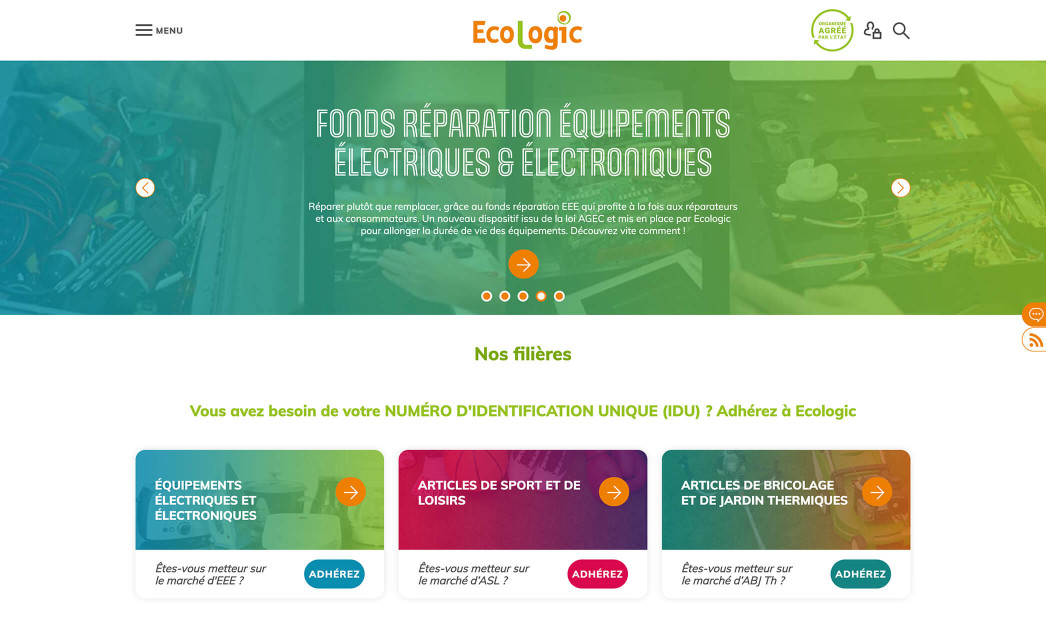
Ecologic
- Clean & Flat Design
- Digital Asset Management
- InContext Front-end Editing
View more
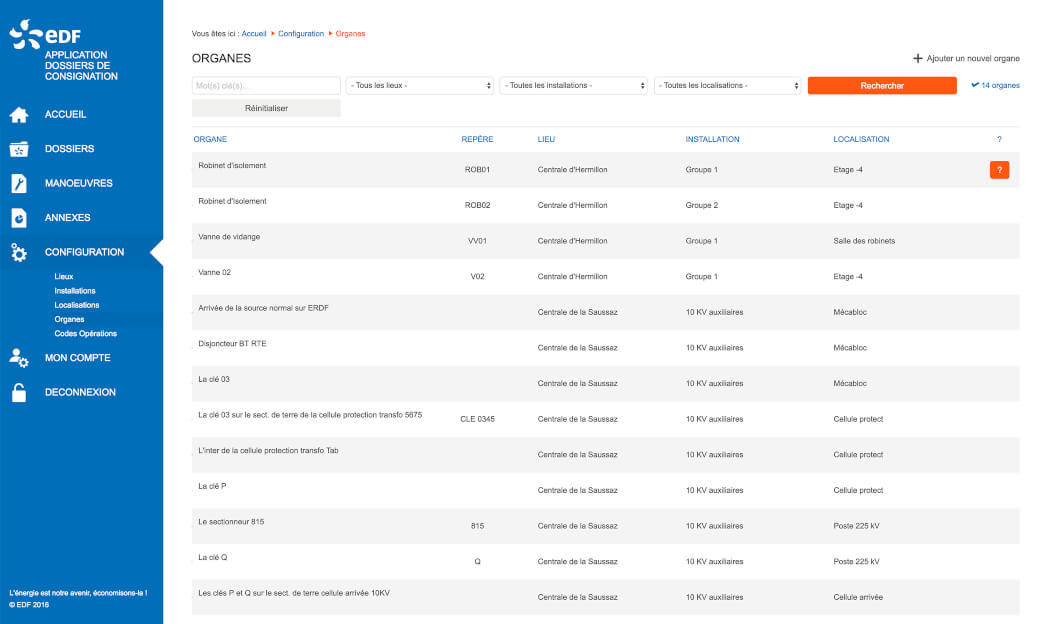
EDF
- Clean & Flat Design
- Digital Asset Management
- InContext Front-end Editing
View more
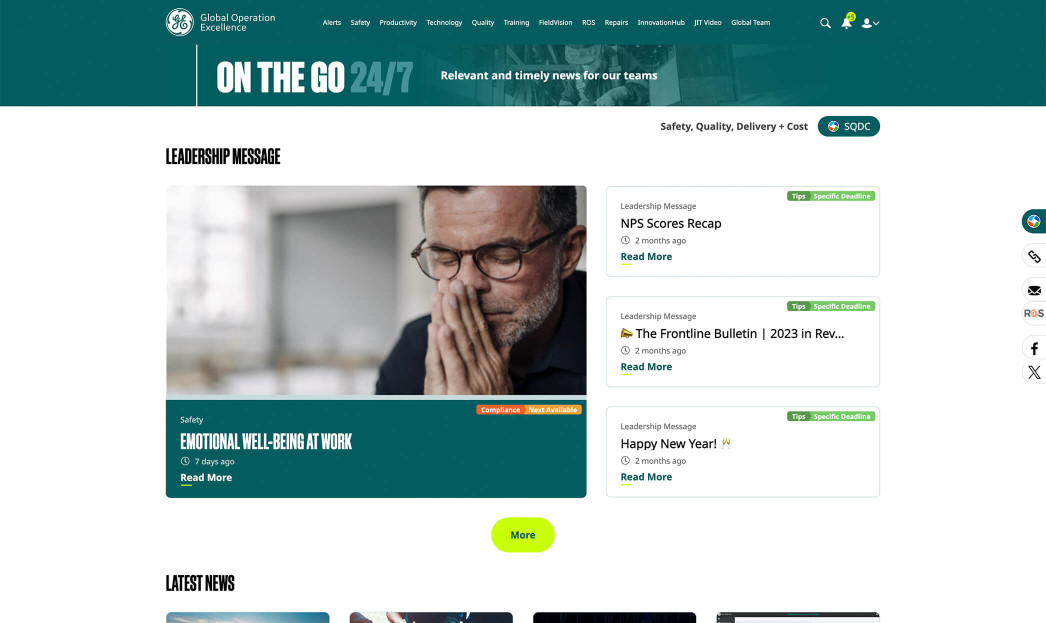
General Electric
- Clean & Flat Design
- Digital Asset Management
- InContext Front-end Editing
View more
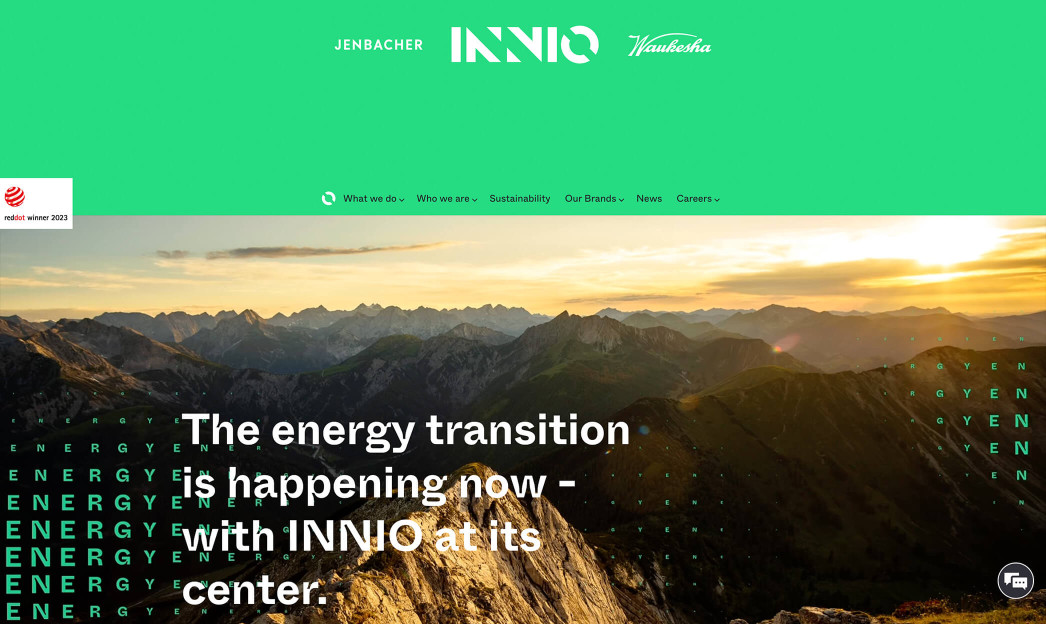
INNIO
- Clean & Flat Design
- Digital Asset Management
- InContext Front-end Editing
- Multi-sites Platform
View more

Outclass Drupal with
Understanding SEBLOD.
Take control of Joomla! with the most flexible extension ever made!
A Layer on top of Joomla!
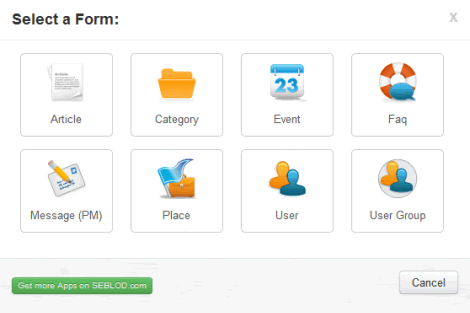
Extend core Joomla objects such as Article, Category, User, User Group, User Note or any other 3rd-party components.
Choose precisely which fields to show/hide for all your back-end forms, front-end forms, search forms, and list views..
Best of all SEBLOD integrates seamlessly into Joomla CMS, so no more hacky compromises!
THE Content Construction Kit
Rethink the way you build Joomla sites and online apps, by using a single component for all your web developments.
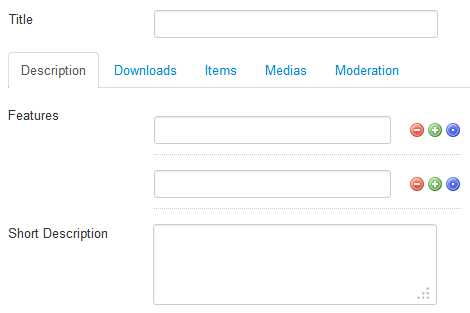
Create content types and forms with your own set of custom fields... in order to manage any kind of content such as: Blog Post, Event, Media, Place, etc.
Build great interfaces perfectly tailored for end-users.
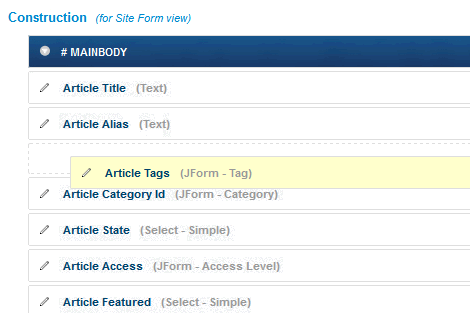
Drag & Drop Templating
Control the display of any SEBLOD-based content while your clients focus on filling custom-built and user-friendly forms.
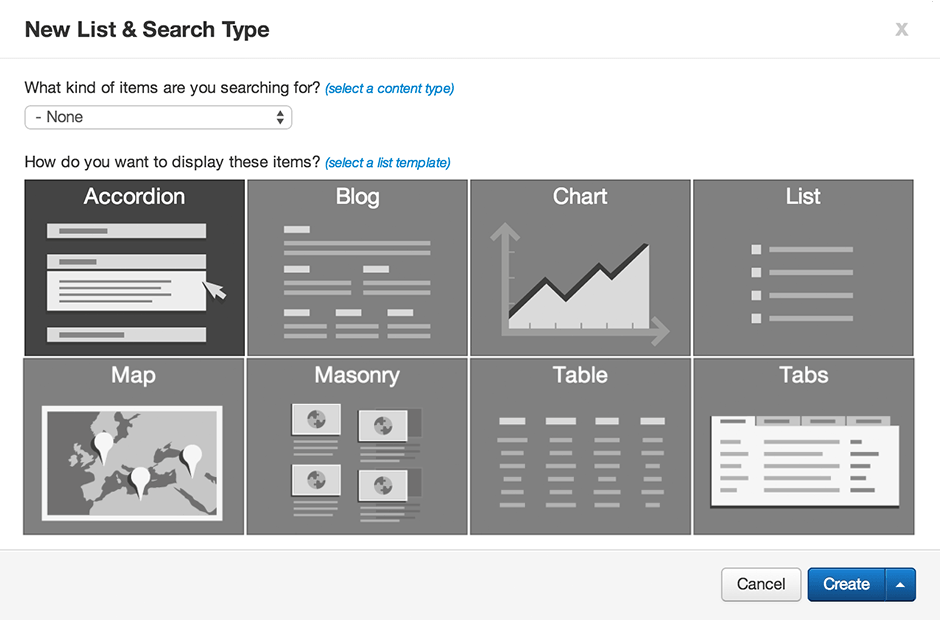
Drag and drop your fields in order to set up professional layouts and list views such as Blogs, Charts, Maps, Tables..
Use our ready-to-use templates or develop your own ones.
Application Builder for Joomla!
Build online apps the way your business' needs require it.
Much more than just a CCK, SEBLOD is a Web App Builder.
Create complex forms using live values, conditional states, computation rules, custom scripts, triggers, access levels, restrictions, web services and more..
Package and reuse your SEBLOD apps on all your websites.