ENGLISH:
With the Feeds Field
plugin you can generate custom news feeds from your SEBLOD content.
This also means that you can create feeds for your own SEBLOD apps.
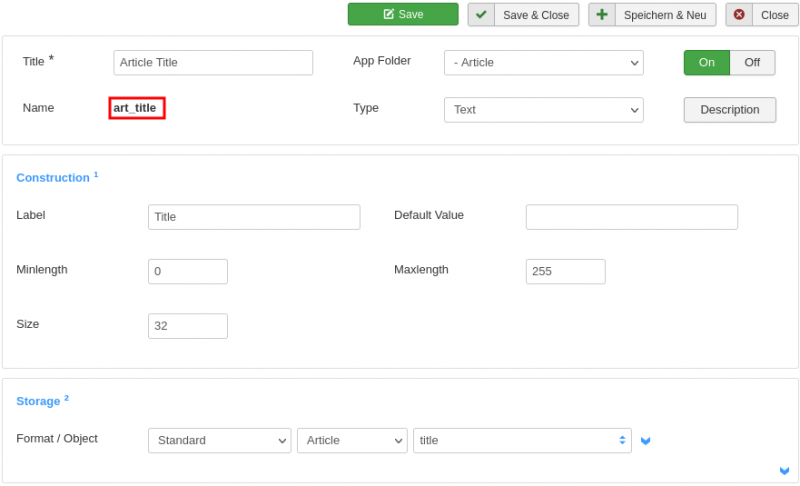
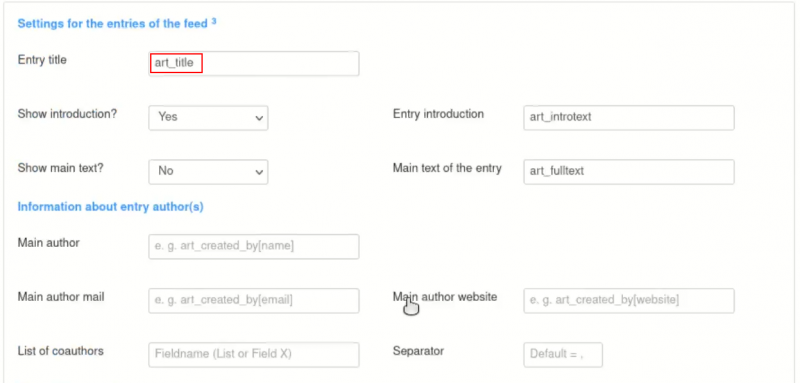
By specifying (your own) SEBLOD fields, you can determine the exact
content of your news feeds yourself.
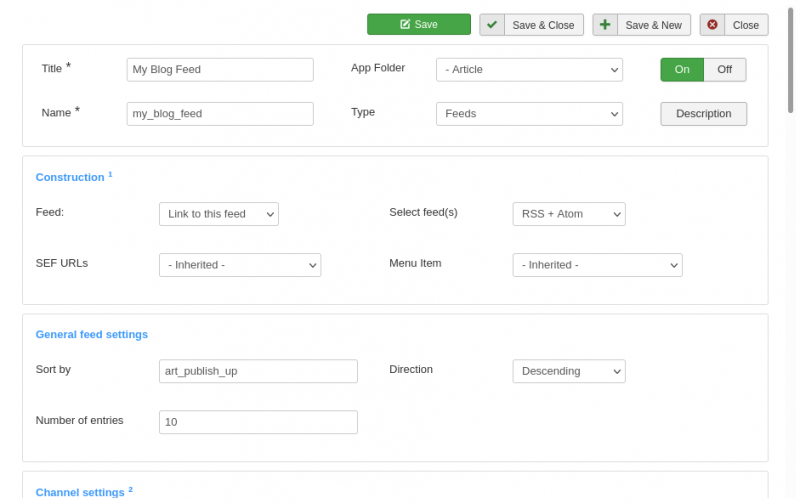
To generate a feed,
simply create a feed field, add this to your app's search form and
configure this to your liking. If you haven't already done so, you
still need to integrate the corresponding List & Search type into
your website via menu entry or module.
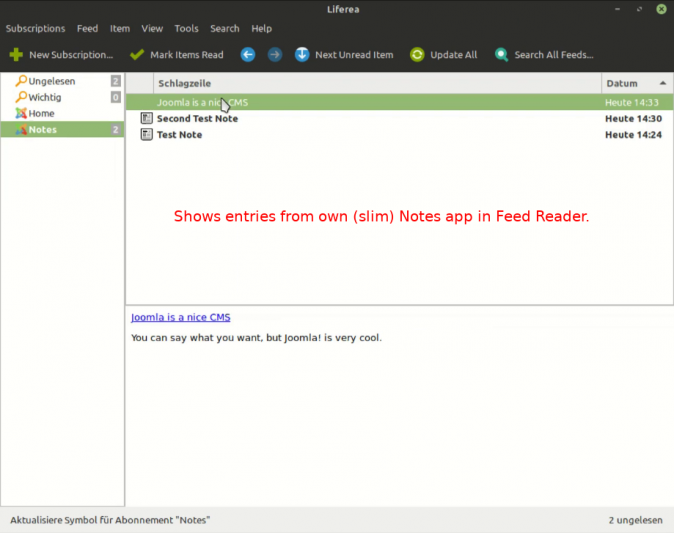
After that, a
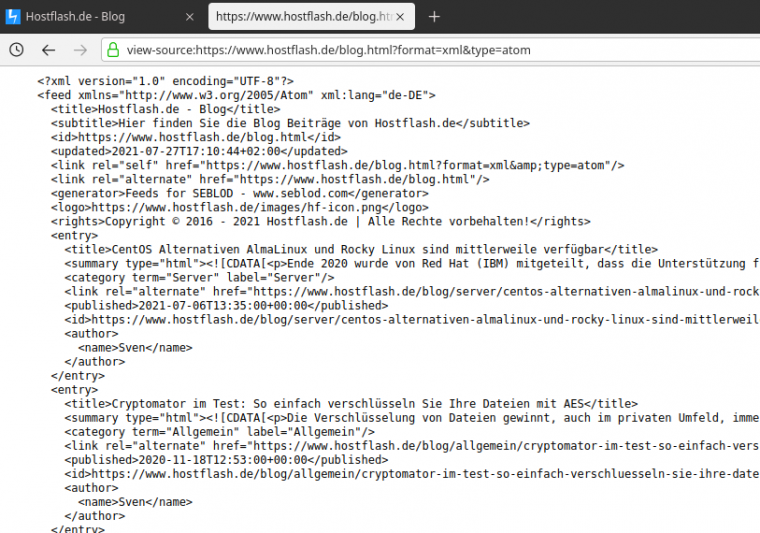
visitor should be able to subscribe to the feed with a feed reader.
Often it is enough to specify the domain or the relevant rubric URL
in the reader.
Your
options:
- Create news
feeds from your SEBLOD content.
- Determine the
number of entries of the respective feed
- Determine
sort order and sort criterion
- Make feeds
available in RSS or Atom or in both formats
- Individual
(global) specifications for the respective channel are possible
- You can use
your own SEBLOD fields in the feed entries
- Narrow as
well as extensive feeds are possible
- Feed content
can be restricted regardless of the content of the website
- more ...
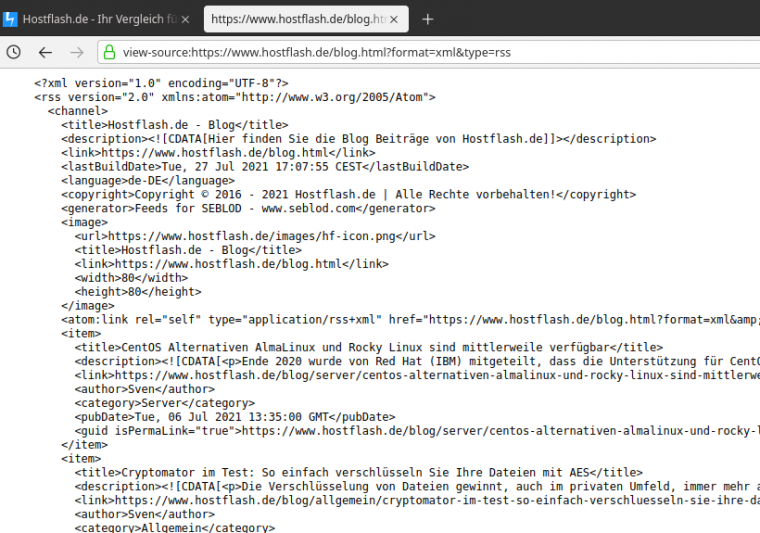
The Feeds field
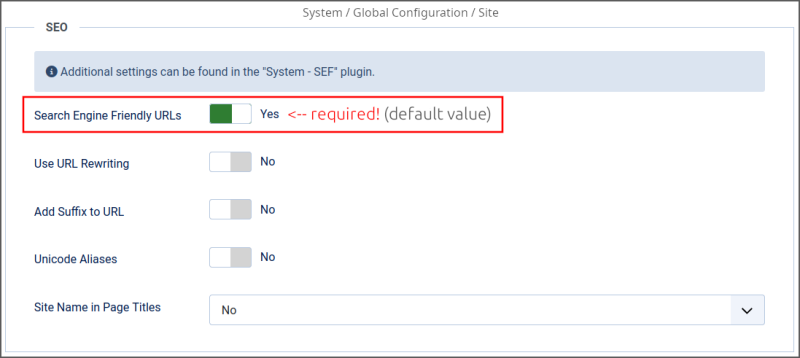
only works correctly if you use search engine friendly (SEF) URLs on
your Joomla website! See the following screenshot.
To get more
impressions, be sure to check out the following material as well:
Documentation (PDF)
Basic Videos
GERMAN:
Mit
dem Feeds Feld Plugin können Sie benutzerdefinierte Newsfeeds aus
Ihren SEBLOD-Inhalten generieren. Das
bedeutet auch, dass Sie Feeds für Ihre eigenen SEBLOD-Apps erstellen
können.Mit
der Angabe von (eigenen) SEBLOD-Feldern können Sie die genauen
Inhalte von Ihren Newsfeeds selbst bestimmen.
Um einen Feed zu
generieren, legen Sie einfach ein Feeds-Feld an, fügen dies in das
Suchformular Ihrer App ein und konfigurieren dies nach Ihren
Vorstellungen. Falls noch nicht geschehen, müssen Sie noch den
entsprechenden Listen & Suchtyp per Menü-Eintrag oder Modul in
Ihre Webseite integrieren.
Danach sollte ein
Besucher den Feed mit einem Feed Reader abonnieren können. Oft
reicht dazu schon die Angabe der Domain bzw. der betroffenen
Rubrik-URL im Reader.
Ihre
Möglichkeiten:
- Newsfeeds
aus Ihren SEBLOD-Inhalten erstellen
- Anzahl der
Einträge des jeweiligen Feeds bestimmen
- Sortierreihenfolge
und das Sortierkriterium bestimmen
- Feeds im RSS
oder Atom bzw. in beiden Formaten verfügbar machen
- Individuelle
(globale) Angaben zum jeweiligen Kanal sind möglich
- Sie können
Ihre eigenen SEBLOD-Felder in den Feed-Einträgen verwenden
- Es sind
sowohl schmale, als auch umfangreiche Feeds möglich
- Feed-Inhalte
können unabhängig vom Inhalt der Website beschränkt werden
- mehr ...
Das Feeds Feld
funktioniert nur korrekt, wenn Sie auf Ihrer Joomla Website
Suchmaschinen freundliche (SEF) URLs verwenden! Siehe Screenshot
oben.
Um mehr Eindrücke
zu erhalten, schauen Sie sich auch unbedingt noch folgendes Material
an:
Dokumentation (PDF)
Basic Videos
New feature since version 1.1.0:
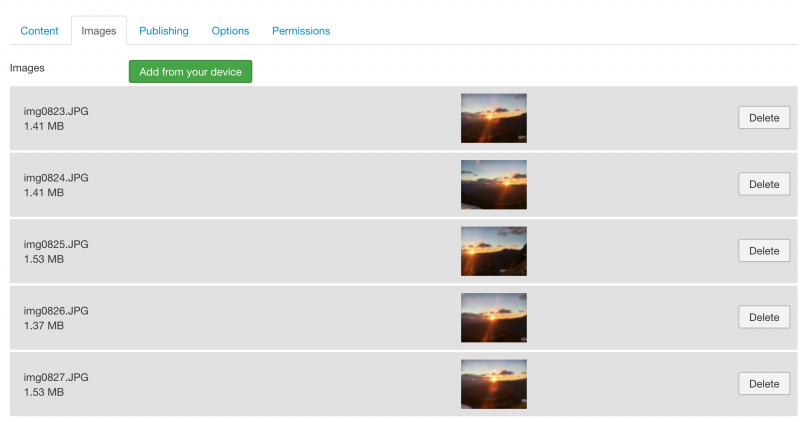
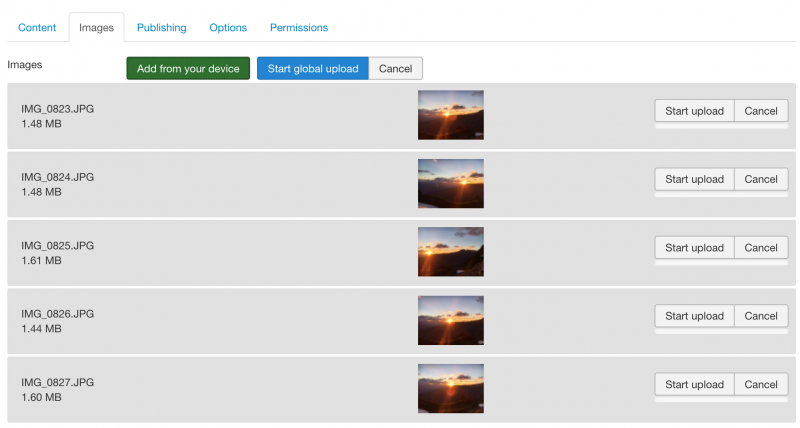
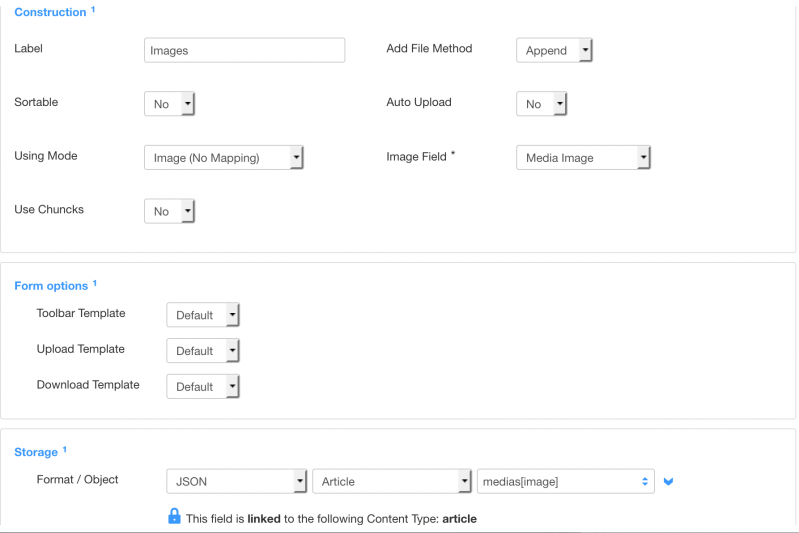
Now it is possible to insert an extra image per feed entry.
The following options are available:
- Before introduction
- After introduction
- Before main text
- After main text
You can simply enter a Seblod Image field there. But it is also possible with a text field that contains a image link.